When working on Arduino projects, having a clear understanding of how to wire components is crucial. One common component used in Arduino projects is the LCD QY-1602A. This LCD display module is perfect for displaying text and numbers on your Arduino projects. Understanding how to wire this module correctly is essential for it to function properly.
By following a wiring diagram, you can easily connect the LCD QY-1602A to your Arduino board. This will allow you to display information and interact with your projects in a more meaningful way. Below, we will outline the wiring diagram for the LCD QY-1602A and how to connect it to your Arduino board.
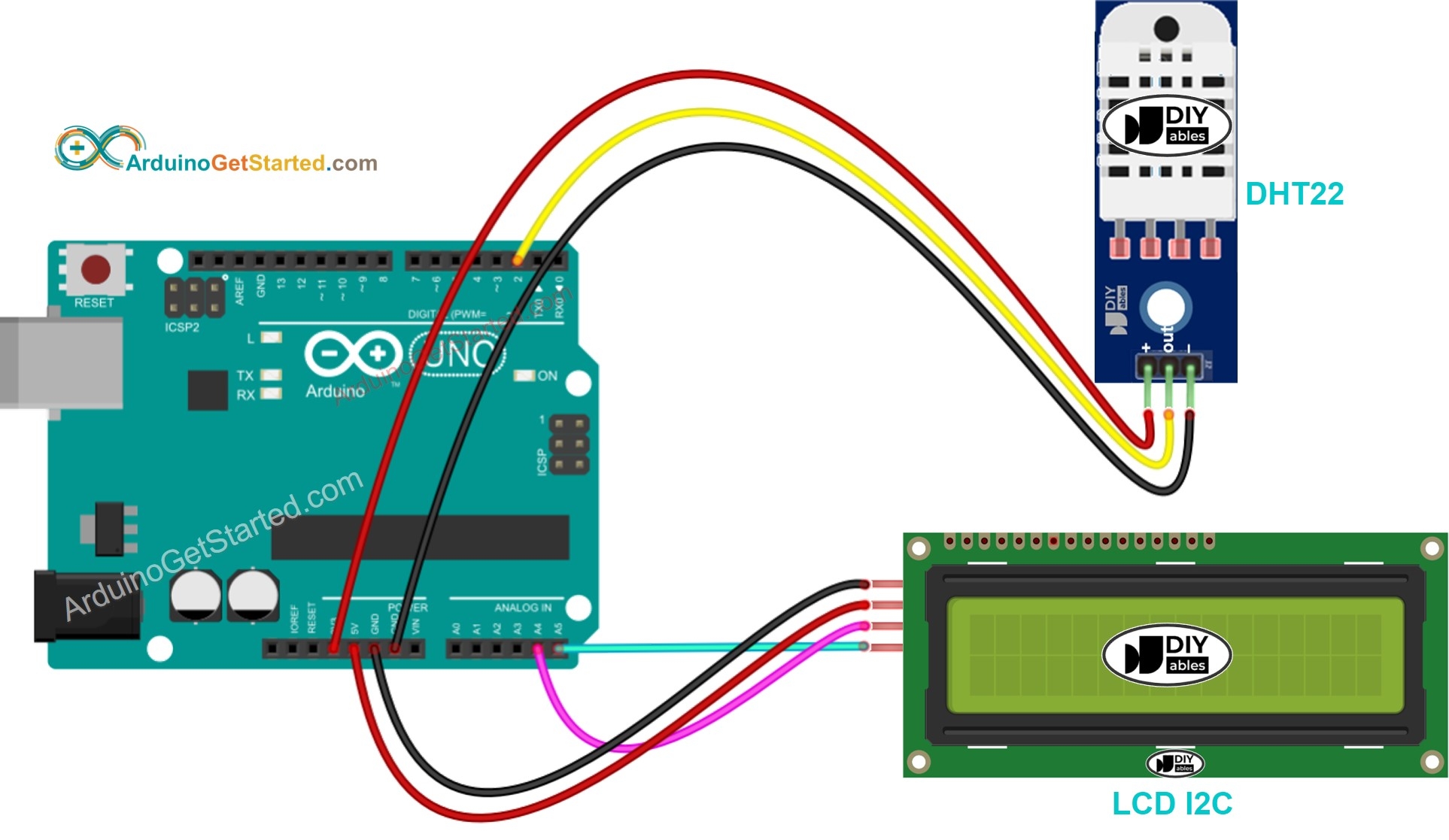 Lcd Qy-1602a Wiring Diagram For Arduino
First, you will need to connect the VSS pin of the LCD module to the ground (GND) pin on your Arduino board. Next, connect the VDD pin of the LCD module to the 5V pin on the Arduino board. Then, connect the V0 pin to the middle pin of the potentiometer. The other two pins of the potentiometer should be connected to the 5V pin and GND pin on the Arduino board, respectively.
Next, connect the RS pin of the LCD module to digital pin 12 on the Arduino board. Connect the RW pin to ground, as it is not used in this setup. Then, connect the E pin to digital pin 11 on the Arduino board. Finally, connect the D4, D5, D6, and D7 pins of the LCD module to digital pins 5, 4, 3, and 2 on the Arduino board, respectively.
Once you have completed the wiring, you can upload a simple sketch to your Arduino board to test the LCD module. By displaying text and numbers on the LCD screen, you can confirm that the wiring is correct and the module is functioning properly. With this wiring diagram, you can easily incorporate the LCD QY-1602A into your Arduino projects.
In conclusion, understanding how to wire the LCD QY-1602A to your Arduino board is essential for creating successful projects. By following a wiring diagram and connecting the pins correctly, you can easily display information on the LCD screen and interact with your projects in a more meaningful way. With this knowledge, you can take your Arduino projects to the next level.